
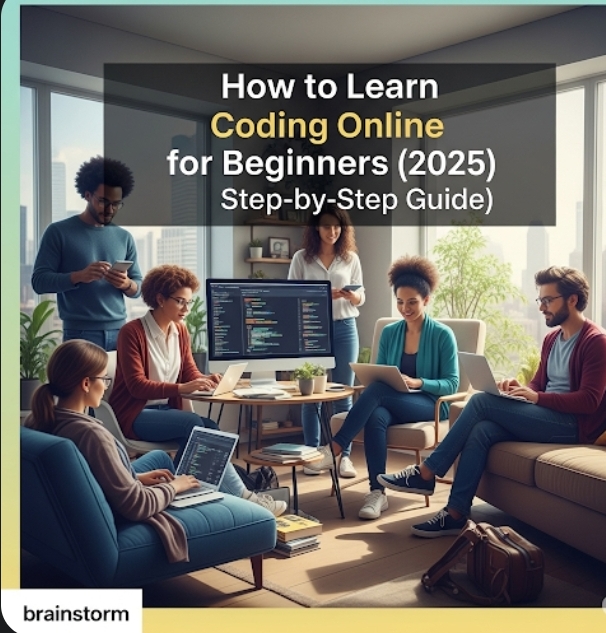
Let’s face it — coding sounds scary at first.
You hear words like JavaScript, Python, HTML, and your brain might go:
“I’m not smart enough for this.”
“I don’t even know where to start.”
“Is coding really for me?”
Let us stop you right there. Yes, you can learn coding Online For free. Even if you’ve never touched a line of code.
This guide will walk you through how to learn coding online step-by-step, even if you’re starting from absolute zero.
Table of Contents
ToggleWhat Is Coding, Really?
At its core, coding is just giving instructions to a computer to make it do something — like display a website, run a game, or calculate your grocery bill.
It’s like learning a new language, but instead of talking to people, you’re talking to machines.
Step-by-Step Guide: How to Learn Coding Online as a Beginner
Step 1: Start with the Basics – HTML, CSS, and JavaScript
These are the building blocks of the web.
| Language | What It Does |
|---|---|
| HTML | Structure of a webpage (like bones) |
| CSS | Design and style (colors, fonts, layout) |
| JavaScript | Interactivity (buttons, sliders, logic) |
Where to Learn:
Step 2: Pick One Language to Go Deeper With
After the basics, choose a beginner-friendly language to master.
Best Beginner Coding Languages:
-
Python – great for automation, data, AI, websites
-
JavaScript – best for web development
-
Scratch – super beginner-friendly (for kids & visual learners)
Where to Learn:
Step 3: Practice With Real Projects
You learn best by doing, not just watching videos.
Here are fun beginner projects:
-
Build a personal website (HTML/CSS)
-
Create a to-do list app (JavaScript)
-
Make a number guessing game (Python)
-
Automate a daily task (like renaming files)
Tools:
-
Replit – Write and run code in your browser
-
CodePen – For web projects
-
GitHub – Save and share your projects
Step 4: Join a Learning Community
You’ll learn faster with others around you.
Join these coding communities:
You can ask questions, share wins, and stay motivated.
Step 5: Build a Coding Habit (Even 30 Minutes a Day!)
You don’t need to study 6 hours a day. Start with 30 minutes daily and be consistent.
Try:
-
A 100 days of code challenge
-
Mini weekend projects
-
Weekly learning goals
Progress beats perfection. Just don’t stop.
What Can You Do With Coding?
Once you learn to code, you can:
-
Build websites for yourself or clients
-
Create mobile apps
-
Automate boring tasks
-
Get a remote job as a developer
-
Start freelancing or launching your own startup
Conclusion
Learning to code online as a beginner is 100% possible — and more affordable and flexible than ever before.
You just need:
✅ The right resources
✅ A simple path
✅ The courage to start small
So stop doubting yourself.
Pick one language.
Write your first line of code today.
Your future self will thank you.